








WELCOME TO
AGUADA ANCHORAGE- THE VILLA RESORT
Welcome to our exquisite villa resort, a hidden gem spanning 8 acres of lush landscape and located just a short 5-minute walk from the beautiful Sinquerim beach. Nestled in this tropical paradise, our villas are meticulously designed by us to offer you the perfect blend of comfort, luxury, and convenience.
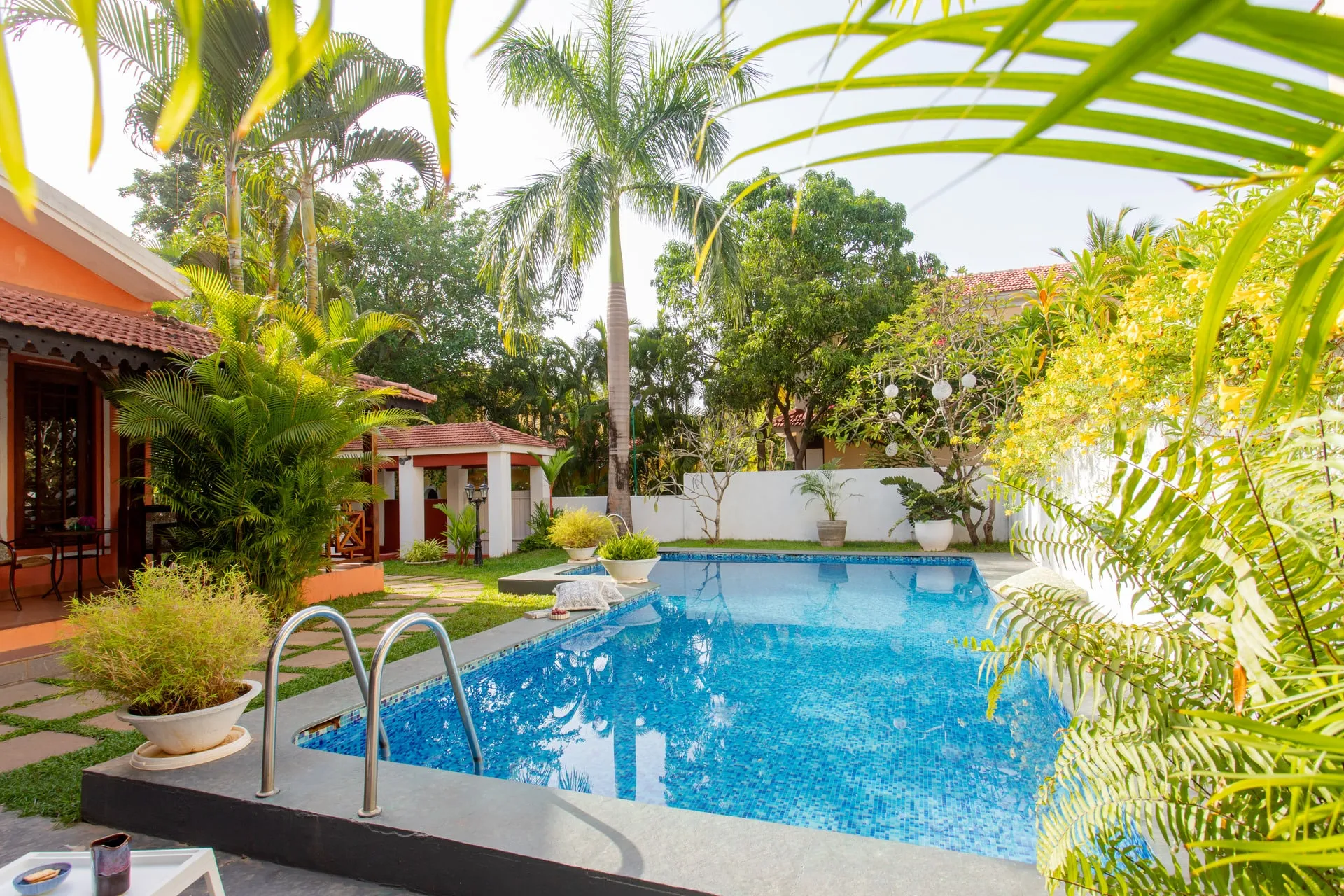
The allure of our resort is further heightened by the lush and manicured gardens that surround the complex, creating a picturesque and calming atmosphere. As you step into our oasis, you’ll be captivated by the sight of two common pools, beckoning you to unwind and revel in the warmth of the sun’s embrace. For a more intimate experience, some of our villas boast private pools, ensuring you enjoy the ultimate indulgence and seclusion.
The prime location of our villa resort is truly unparalleled. Within easy walking distance, you’ll find an abundance of attractions, from a diverse array of restaurants serving mouthwatering cuisines to vibrant pubs, lively clubs, and thrilling casinos, offering the perfect blend of entertainment and excitement. Additionally, supermarkets nearby ensure you have easy access to all your daily necessities.
If you wish to stay in, culinary pleasures await you at our on-site restaurant, where our skilled chefs craft a diverse menu to tantalize your taste buds. Relish a delightful private BBQ by the pool-side or opt for the convenience of room service, bringing a world of flavors directly to your villa.
We pride ourselves on exceptional service. From the moment you arrive until the time of your departure, our team is on hand to assist and make your stay an exceptional one.
Whether you seek relaxation or adventure, our villa resort promises an extraordinary experience that exceeds expectations. Book your stay with us today for an unforgettable holiday in Goa.

15 Independent Villas

500 Mts from the beach

Room Service & Concierge
OUR VILLAS




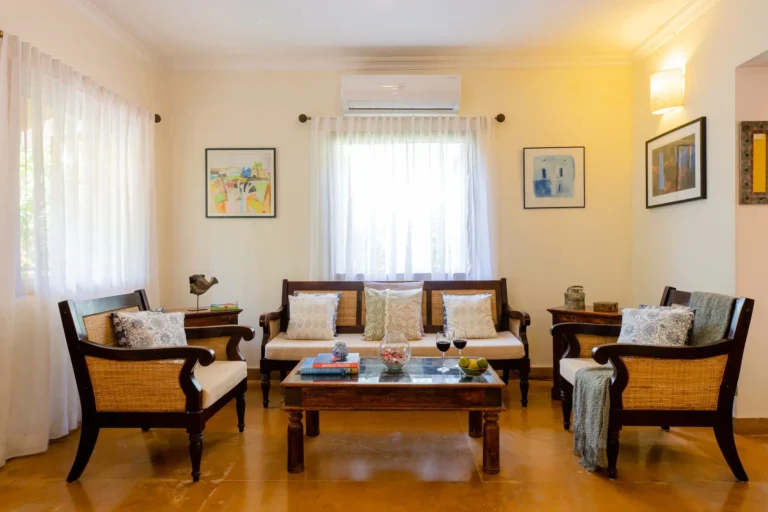
Premium Villas
3 bedrooms | 3 bathrooms| 6 guests
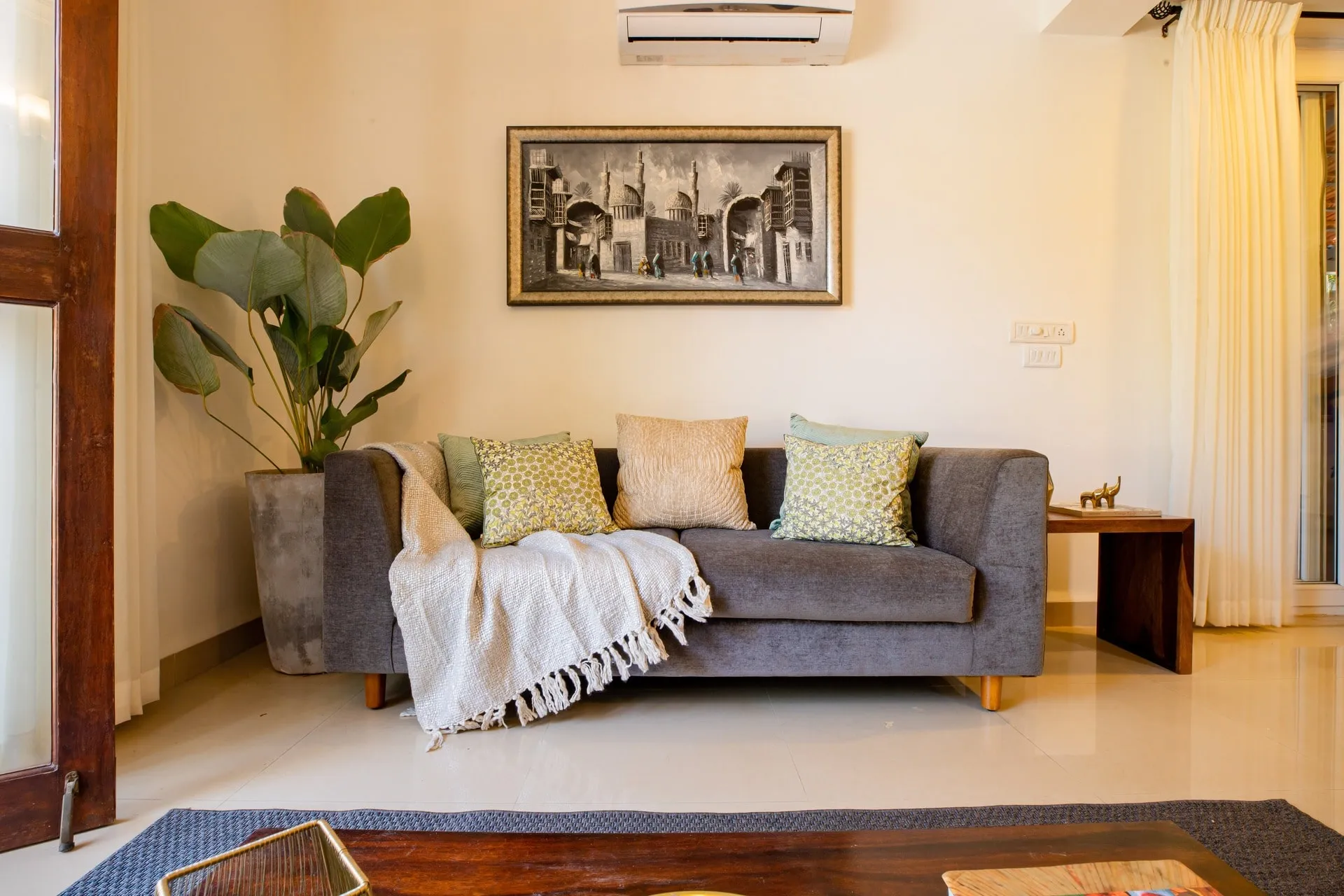
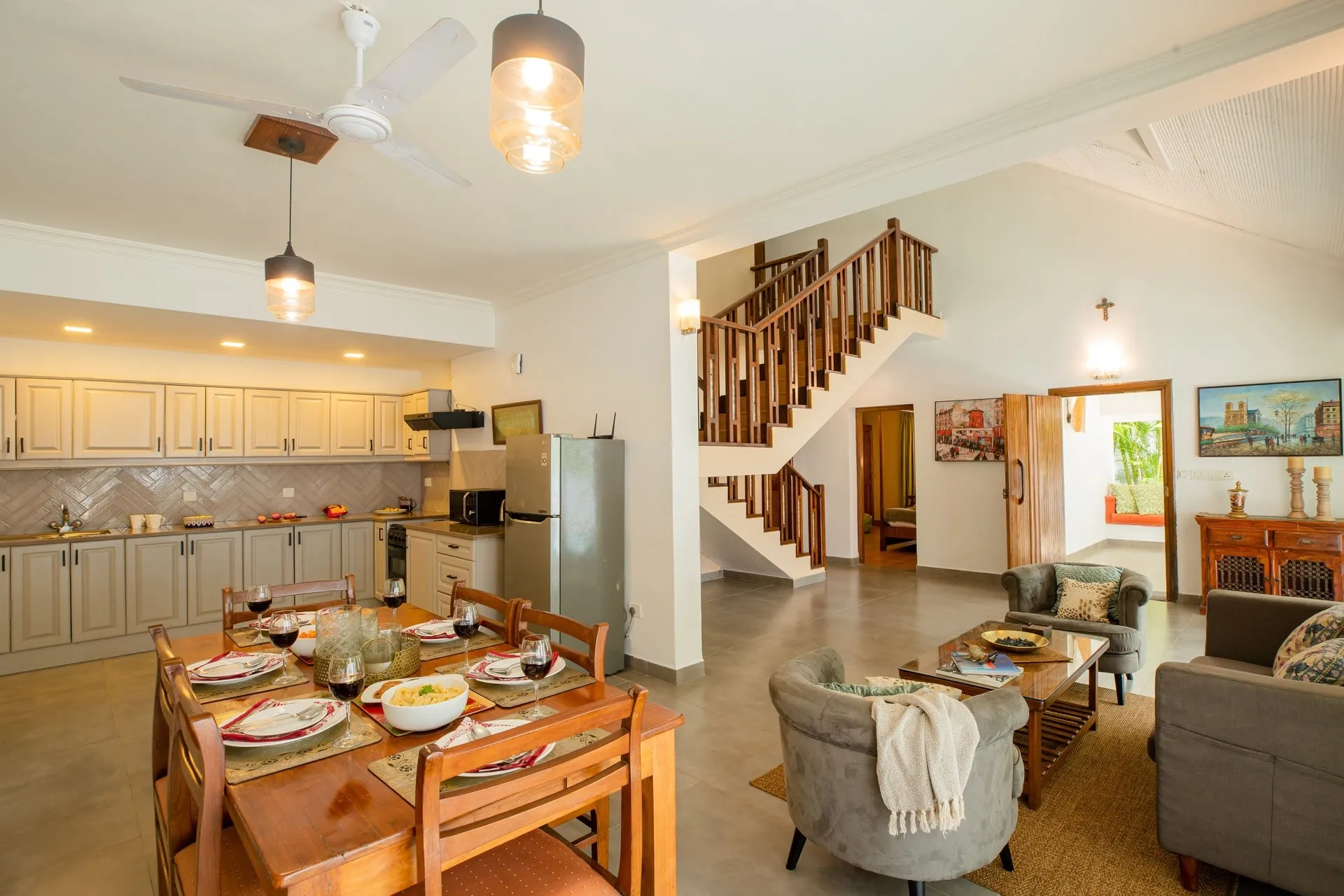
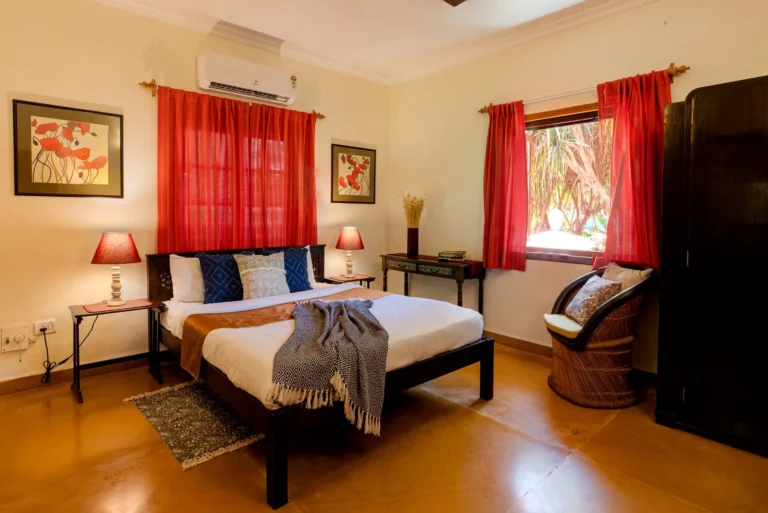
Our expansive 220 square meters Premium Villas come in 2BHK & 3BHK, offering generous living areas, allowing you to unwind and create cherished memories with your loved ones.


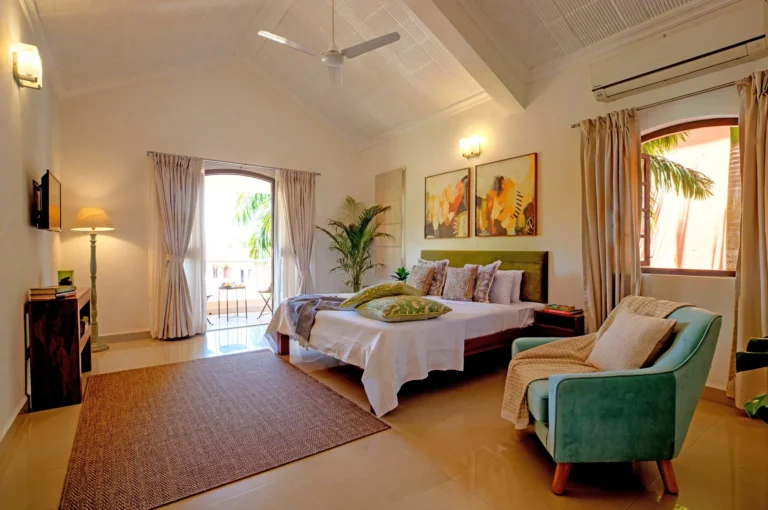


Royal Villas
3 bedrooms | 3 bathrooms| 6 guests
Welcome to our majestic Royal Villas, where luxury reaches new heights. These opulent villas surpass our already lavish Premium Villas in terms of interior grandeur.
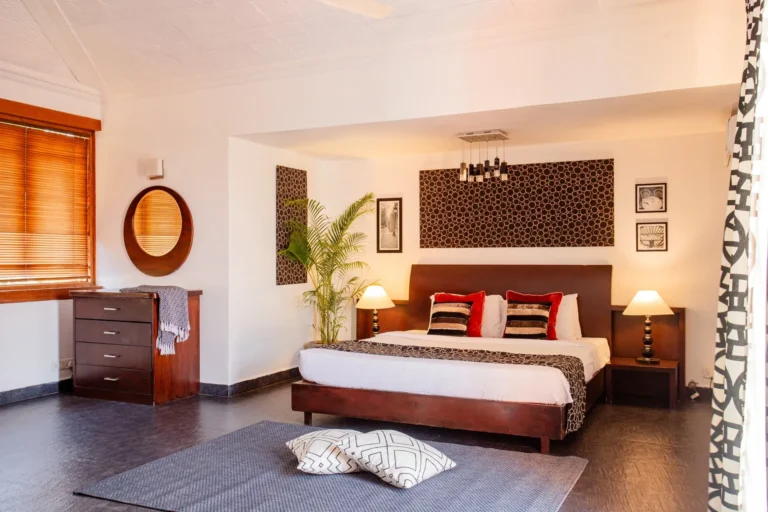


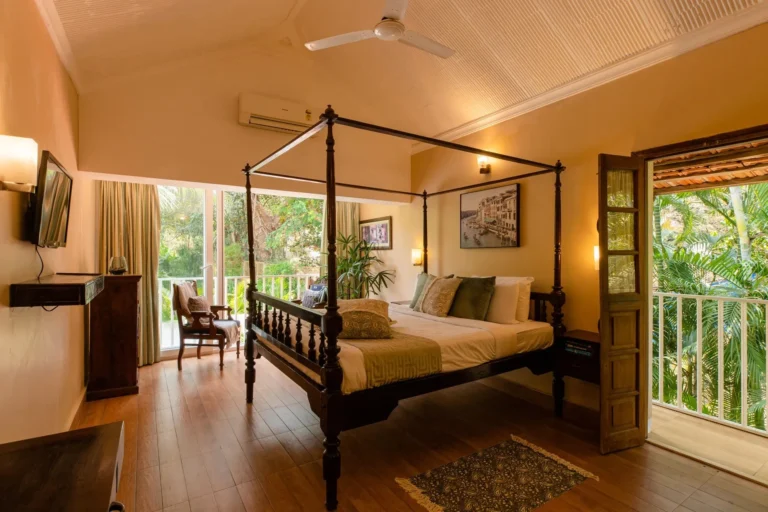


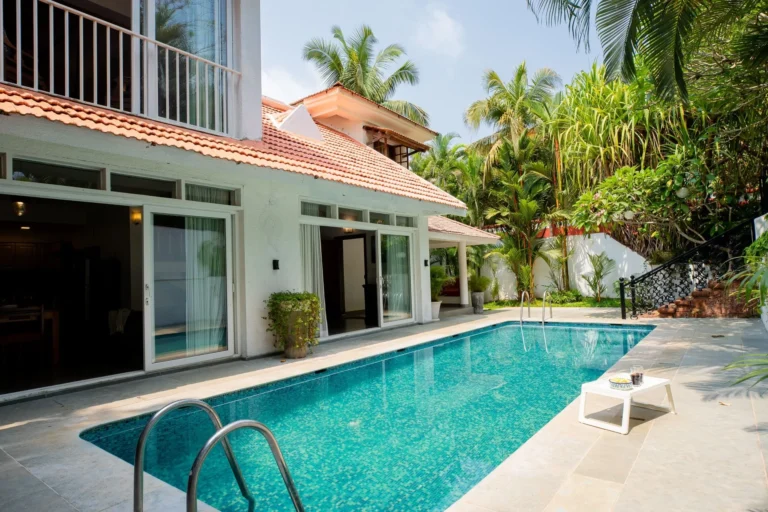

Presidential Villas
3 bedrooms | 3 bathrooms| 6 guests
Welcome to our prestigious Presidential Villas, the epitome of unparalleled luxury and grandeur. These lavish villas redefine opulence with their spacious layouts, boasting a choice of 4BHK & 5BHK configurations.